
Installation guide
Install and use your eSIM
Follow the same step-by-step flow shown inside your account. Log in with your purchase email to view the real QR code and track each eSIM you bought.
Part 1/2
Part 2/2
Device
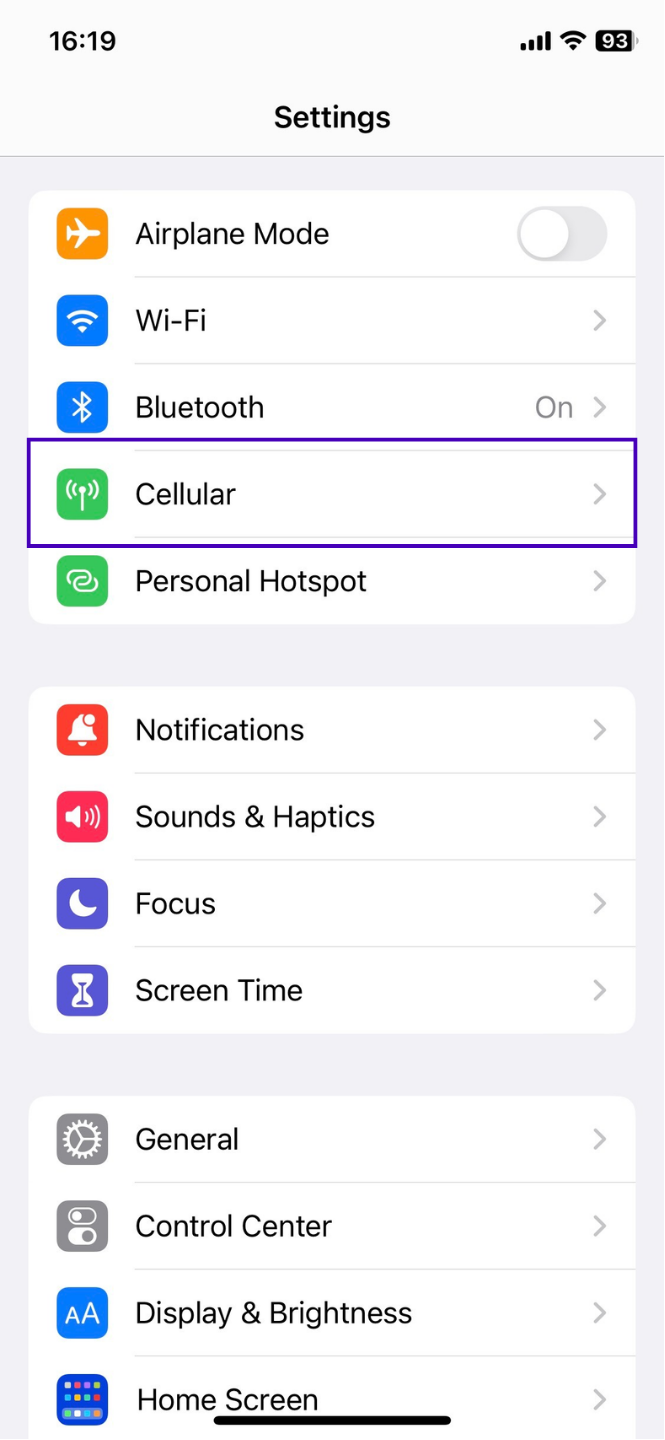
Go to Settings > Cellular.
Complete Part 1/2 first, then Part 2/2 so mobile data uses the new eSIM.